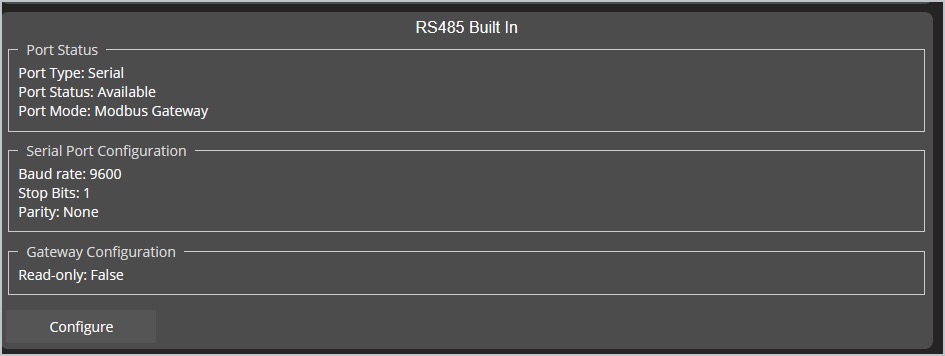
Configuration for the Power Zone Pro Sync RS485 can be done using the touch screen display. These same screens can also be accessed with a laptop.
The information provided in this section reflects firmware 1.23.2 or newer.
-
Select Setup menu option at bottom of display.

-
Enter password for admin access.
Further information will be provided on the generator hardware for a licensed technician.
-
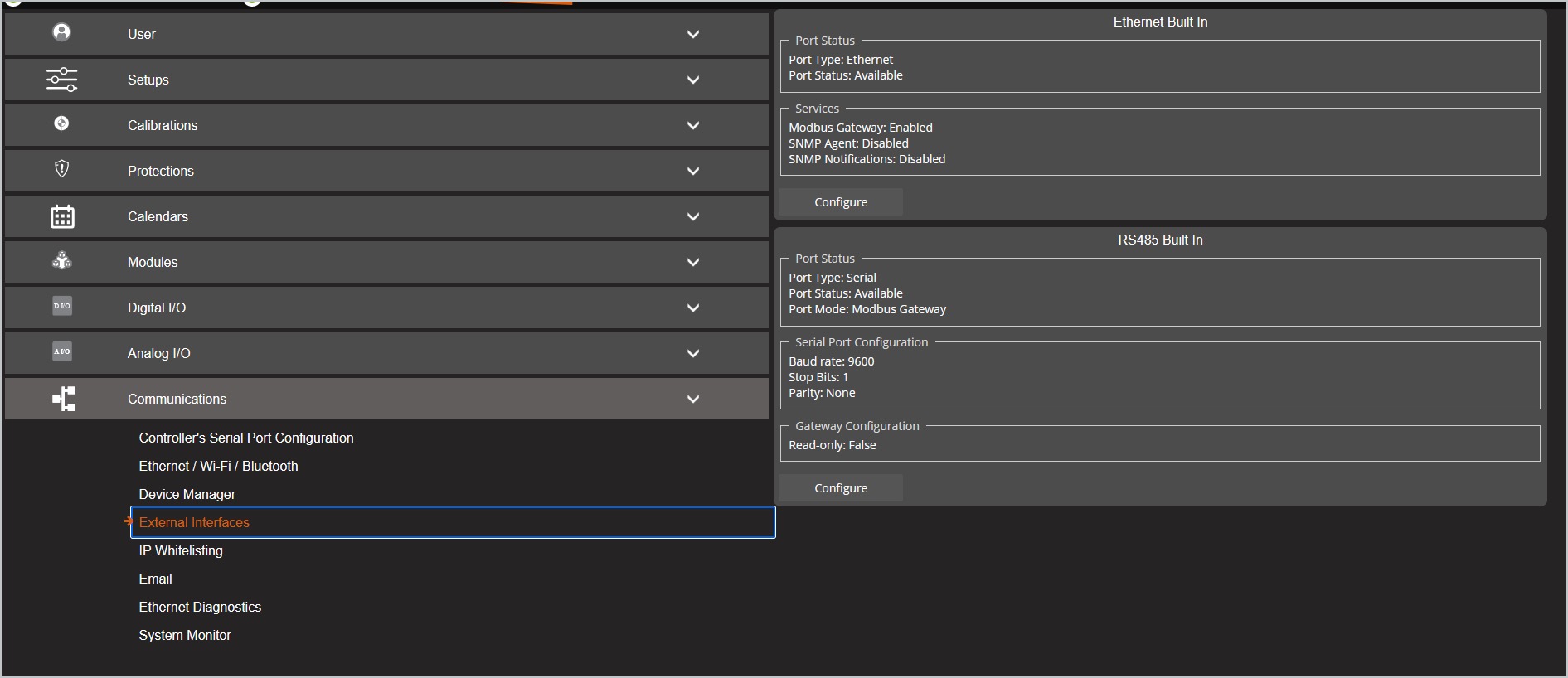
Expand the Communications module then External Interfaces.
-
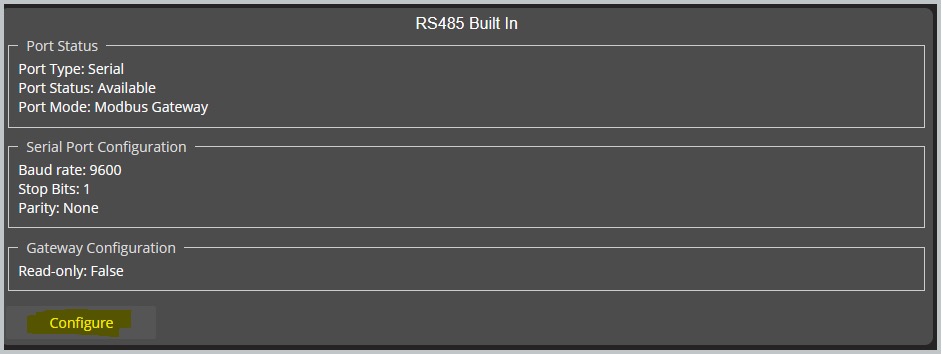
Click Configure for the RS485 Built In module.
-
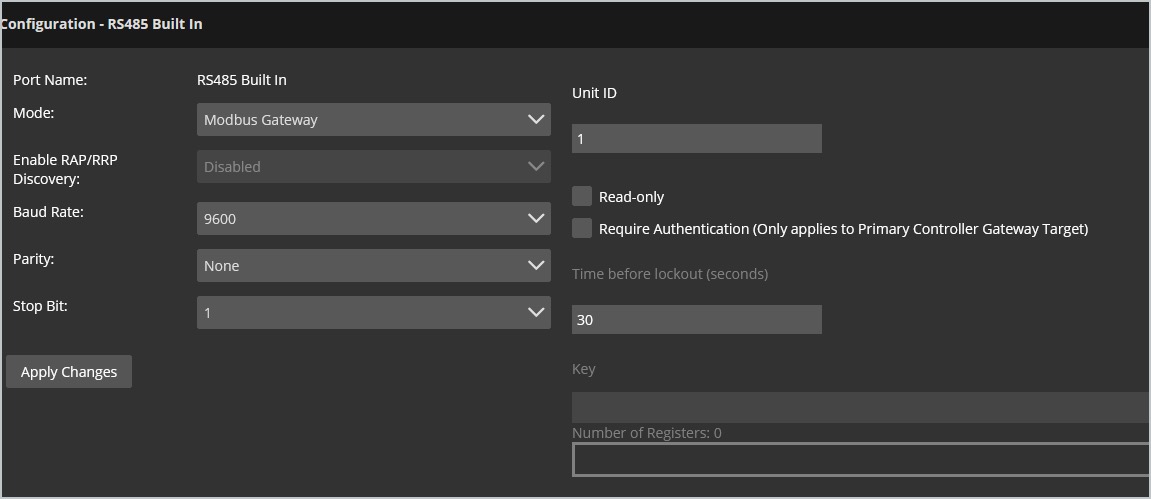
Enter or update to the following settings:
-
Mode: Modbus Gateway
-
Baud Rate: 9600
-
Parity: None
-
Stop Bit: 1
-
Unit ID: 1
-
Click Apply Changes if entering modifications.
-
Port Status and Serial Port Configuration will reflect any new settings.