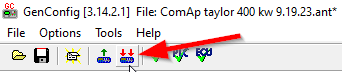
These configuration steps require being connected to the controller while running ComAp GenConfig software. Settings should be updated only after initial firmware and configuration updates are complete.
-
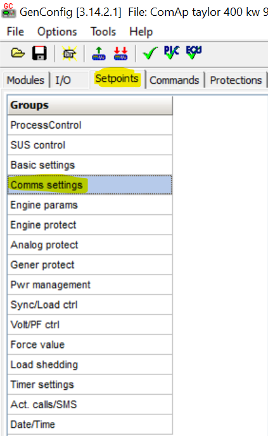
While connected to the controller, choose the Setpoint tab at the top of the window, then choose Comms settings under the Groups heading.
-
Update the settings to the entries provided in this step:
-
Contr. Address: 1
-
RS232(1) mode: MODBUS-DIRECT
-
RS232(1)MBCSpd: 9600
-
RS485(1) conv.: DISABLED
-
Be sure all Access Groups are set to: 0 On.
-
Click Write to Controller icon to apply changes.