
Site Group Management provides a mechanism to schedule grouped power assets for dispatch from multiple sites. This allows users to control a group of sites and their assets via a single schedule.
Getting Started
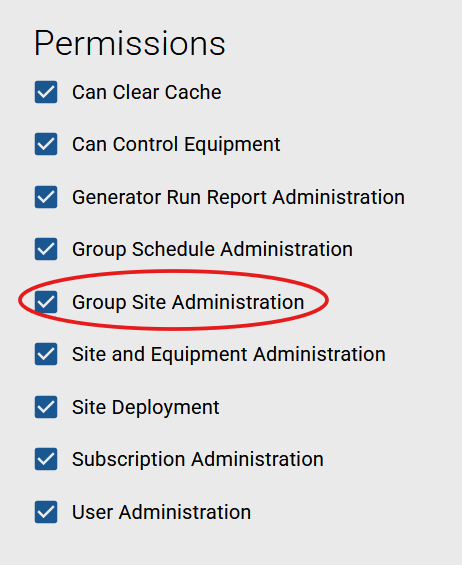
The administrator of your instance must enable the Group Site Administration option via User Permissions for the user.
-
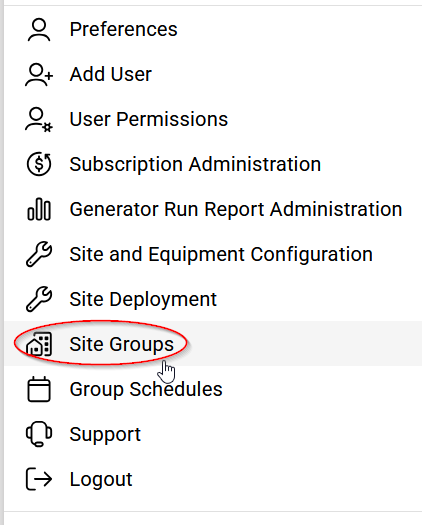
Click the Settings icon in the upper right-hand corner of the application and select Site Groups.
-
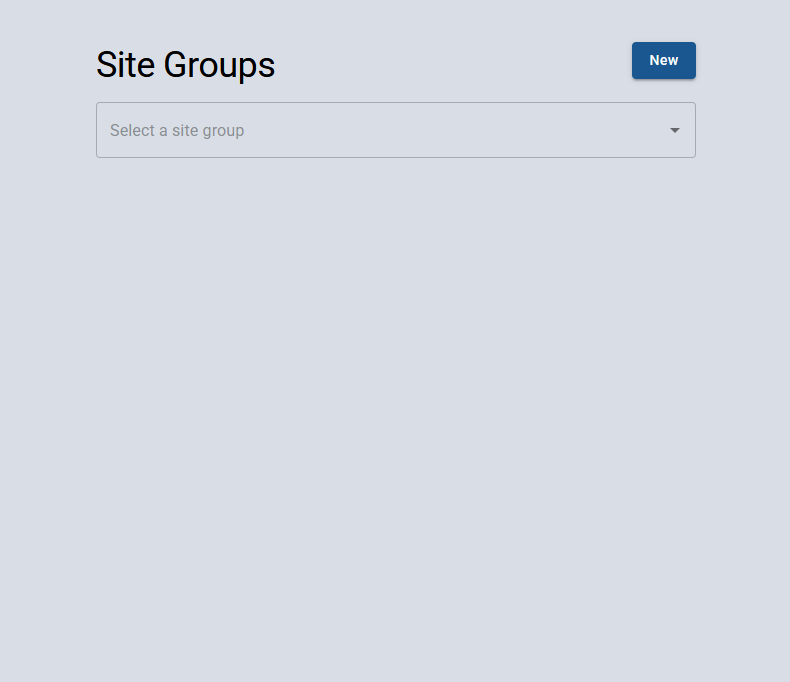
The ‘New’ button can be used to create a new group or an existing group can be edited by selecting it from the drop down.
-
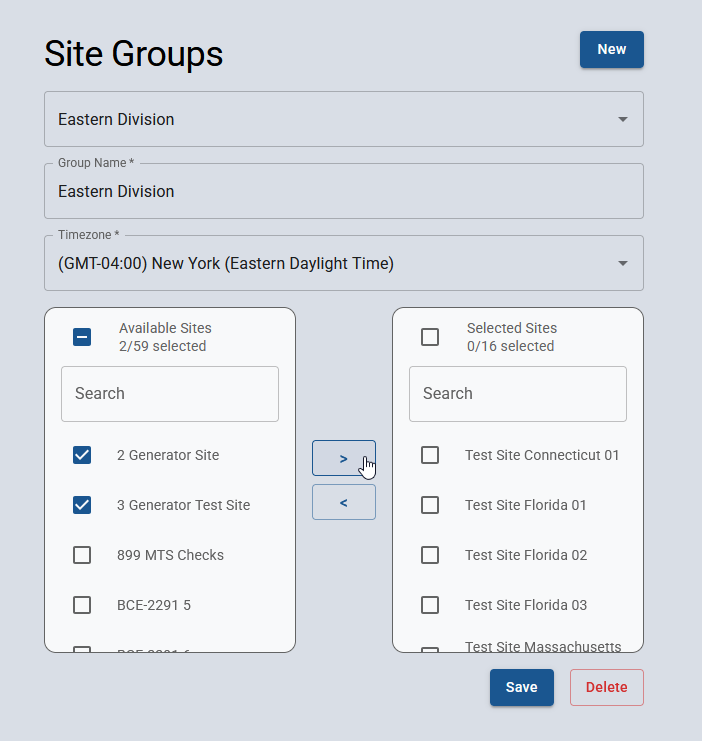
Each group is configured with a name and a time zone. The time zone will be used as the reference for any schedules are created for the group.
-
To add sites, click a site name to highlight it, then use the right arrow to move it to the "Selected Sites" list.
-
To remove sites, click a site name in the "Selected Sites" list, then use the left arrow to move it back to the "Available Sites" list.
-
When complete click Save to apply changes.