
Equipment Alarms
Discrete Tags configured as an Alarm will show in the platform and generate email/SMS notifications for users that have opted in. Alarms can be setup in the Site and Equipment Configuration.
Viewing Equipment Alarm Status
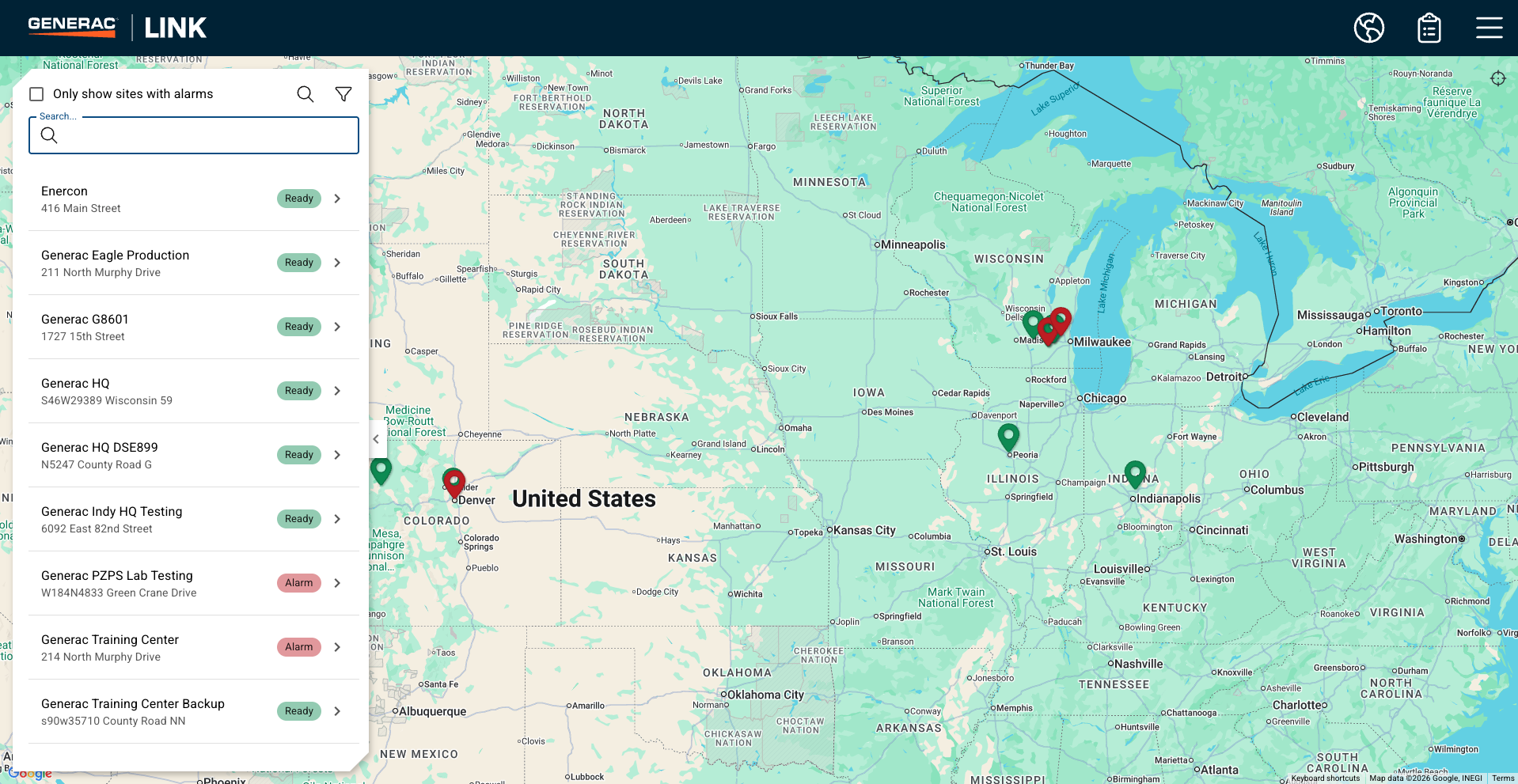
When alarms are active the site pin will be red and the status will show as ‘Alarm’.
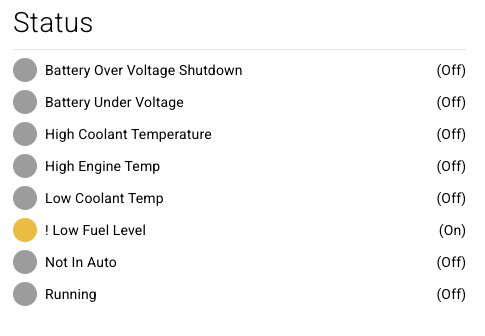
Discrete tags in Alarm will be flagged with an exclamation point
Further detail on the active and historic alarms can be found on the alarm tab.
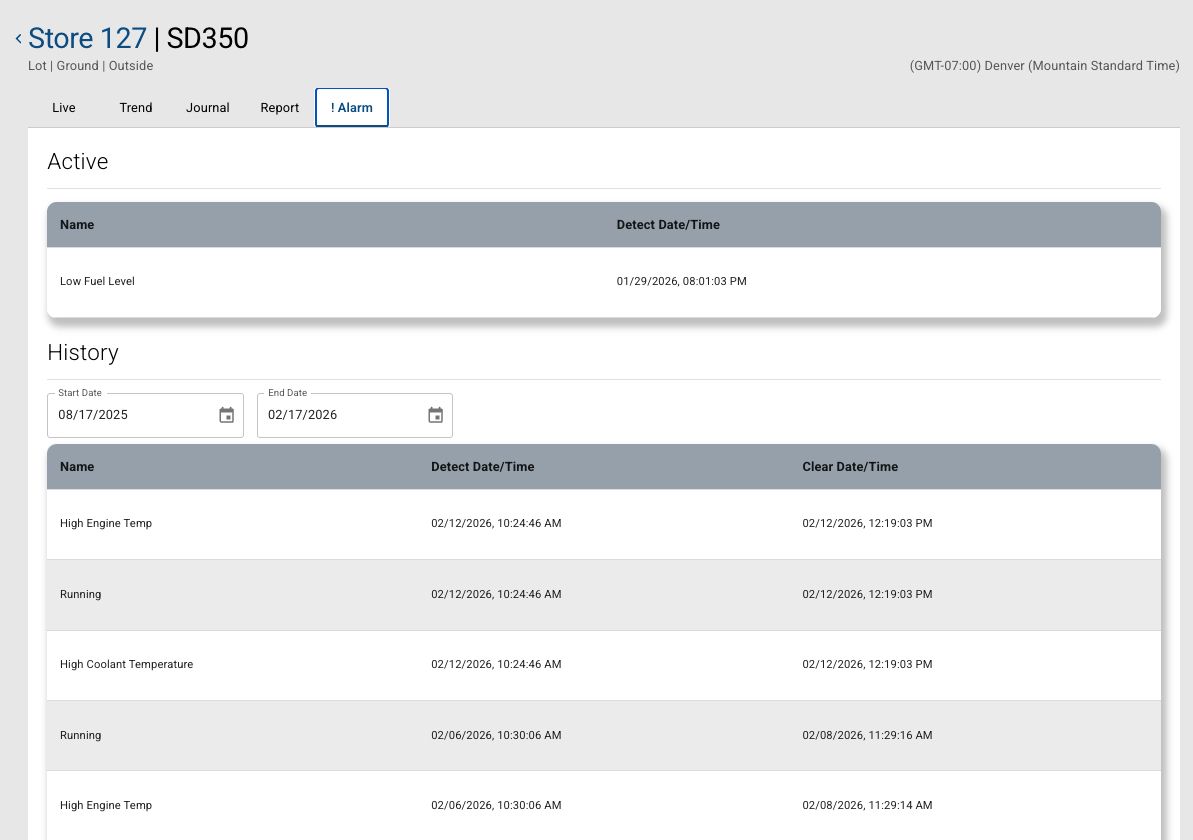
The alarm history will show the alarms for the selected period, the last 6 months are shown by default.
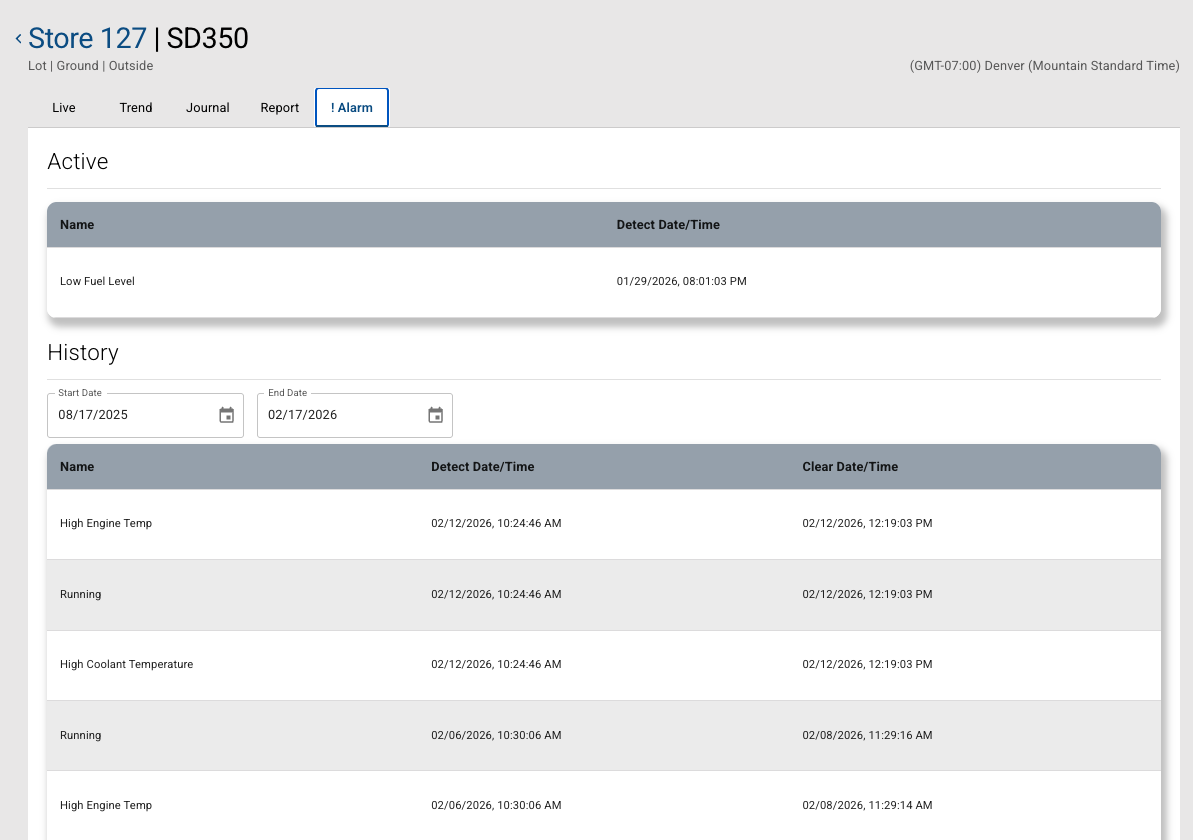

Once an alarm is no longer in an alarm condition then it will appear in the Alarm History with a cleared alarm date/time.
Alarm Disablement
A noisy alarm may be disabled if it trips repeatedly within a short period to prevent spamming notifications.
When an alarm is disabled a Support ticket is automatically generated.
Our platform support agent will verify whether a data thresholds are resulting in a toggling alarm scenario and/or if concerns persist with notifications or equipment alarm triggers.
The platform support agent will determine if the incident can be resolved with remote diagnostics.
The platform support agent may escalate the case to the IDC or site contact in order to have a technician check on the equipment.
Once resolved, Support will provide instructions to the site contact to re-enable the alarm notification in the site and equipment configuration.
Once these steps are complete, the ticket will be closed.